Best New Productivity App of 2026 Free on the App Store
Not a list.
A life upgrade.
One place for the whole life you are trying to build — work, school, the gym, the side project — with an app blocker for the hours that matter and a few friends who can see whether you showed up. Doing it alone is where most people fall off.
What you get
Use it by yourself, or bring your friends
Everything a plain to-do list can't do, whichever way you use it.
01
Task solo
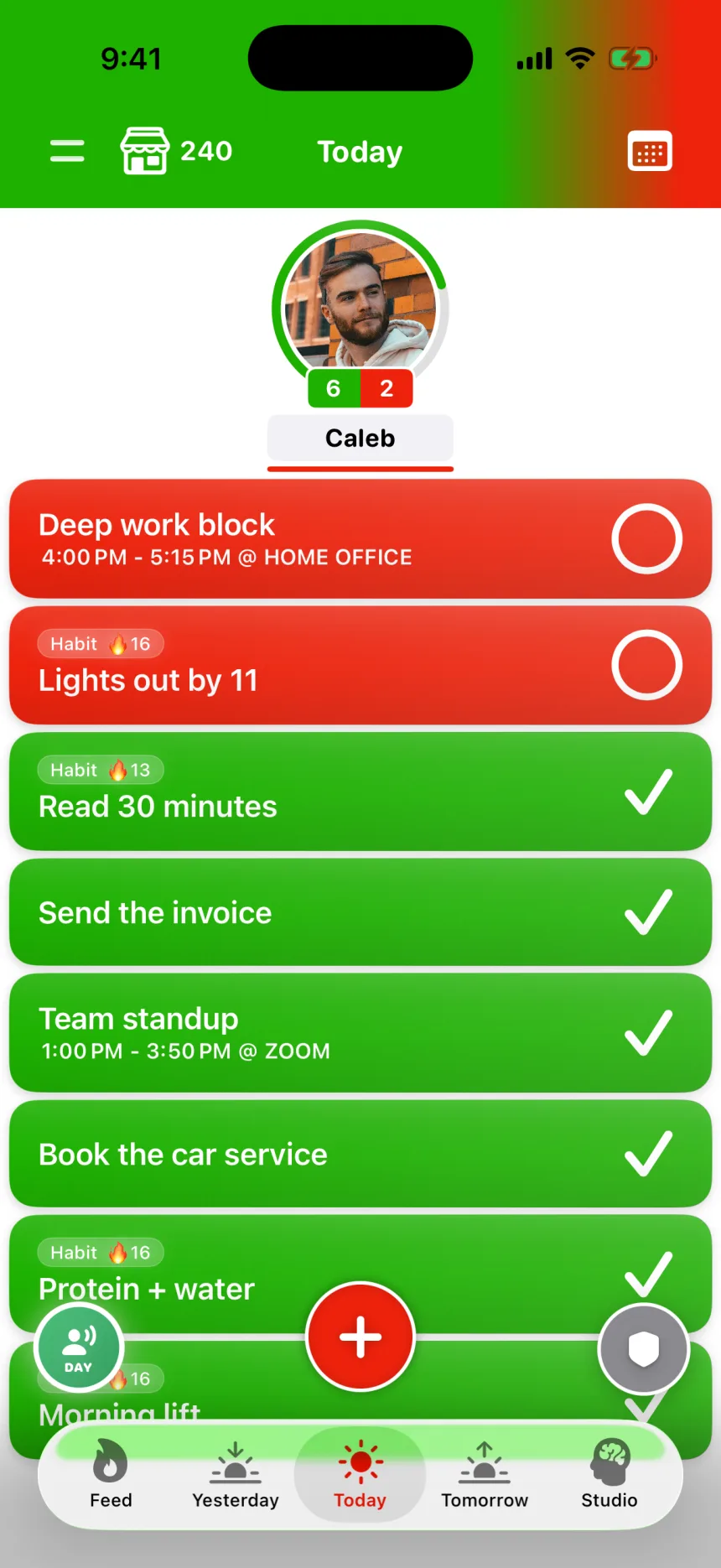
Use it by yourself to run your whole day: classes, work, the gym, the errands. Tasks, habits with streaks, and times and places, in one list that's only yours.
02
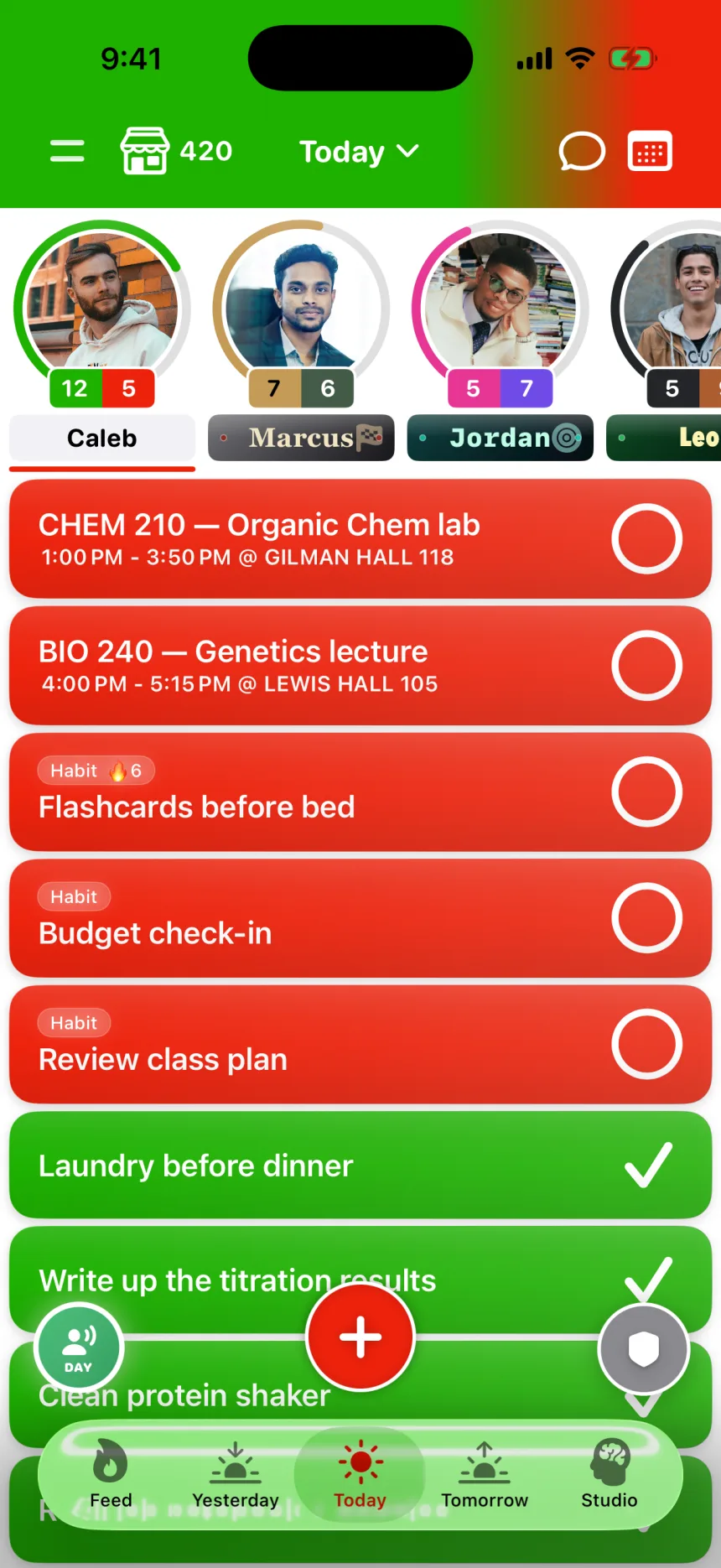
Task social
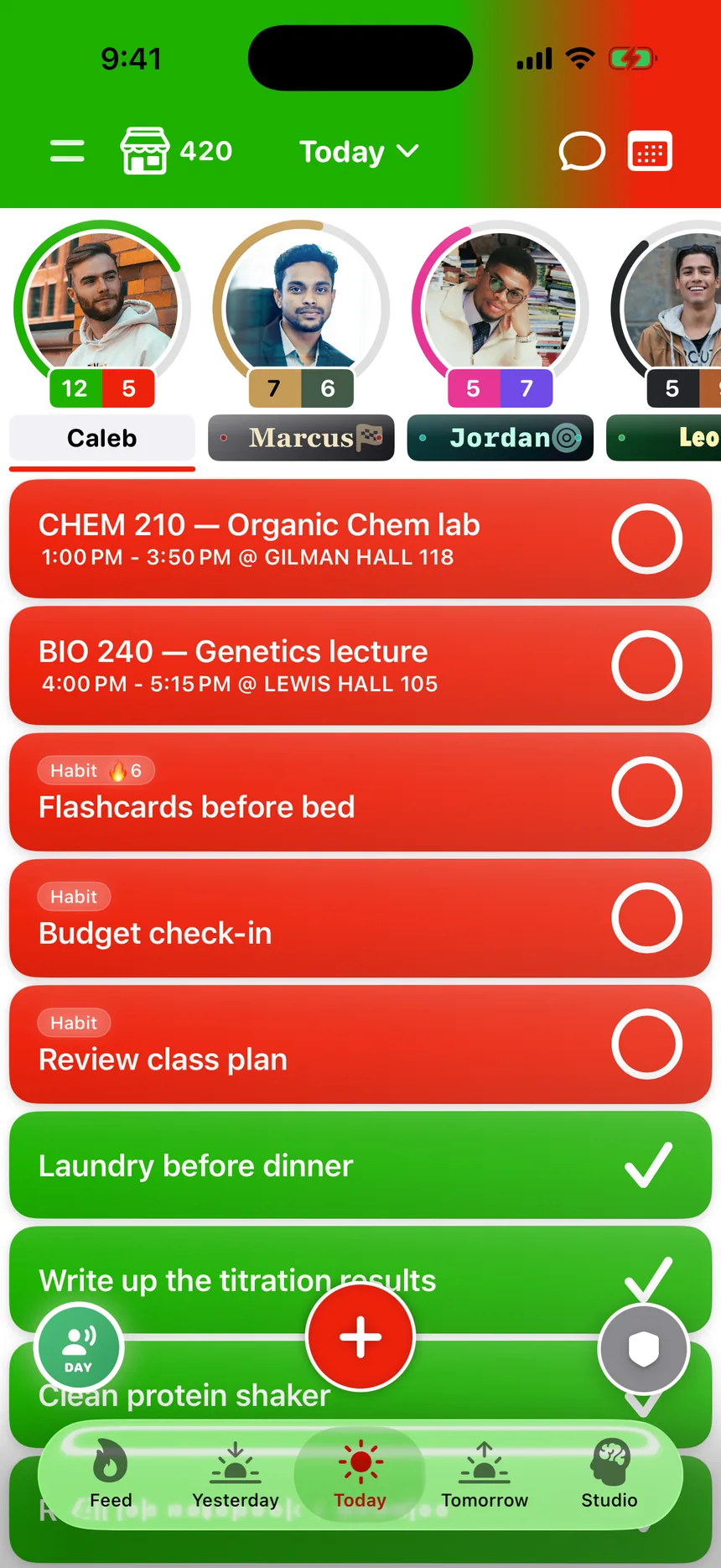
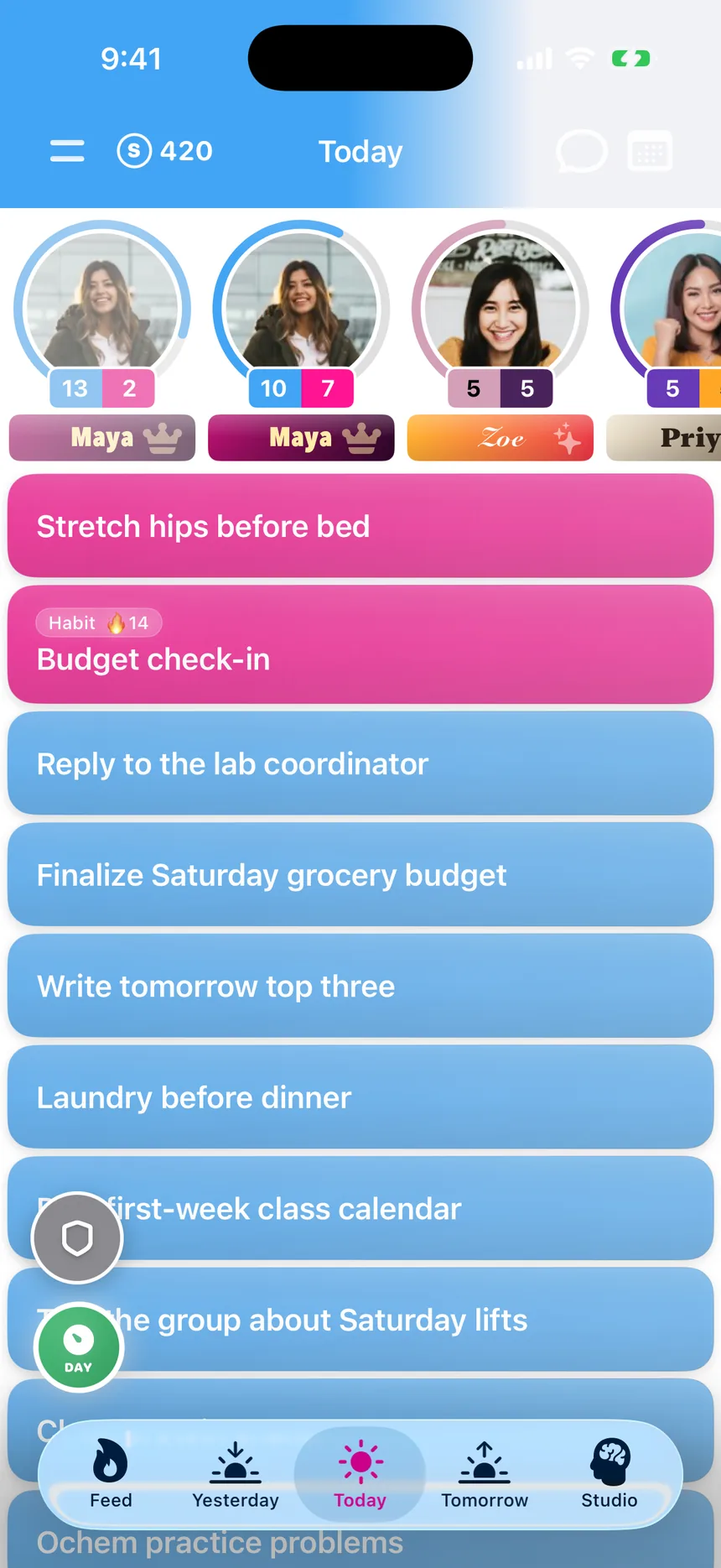
Add a few close friends and their days sit across the top of yours. You see what they finished, they see what you did. You decide what's shared and what stays yours.
03
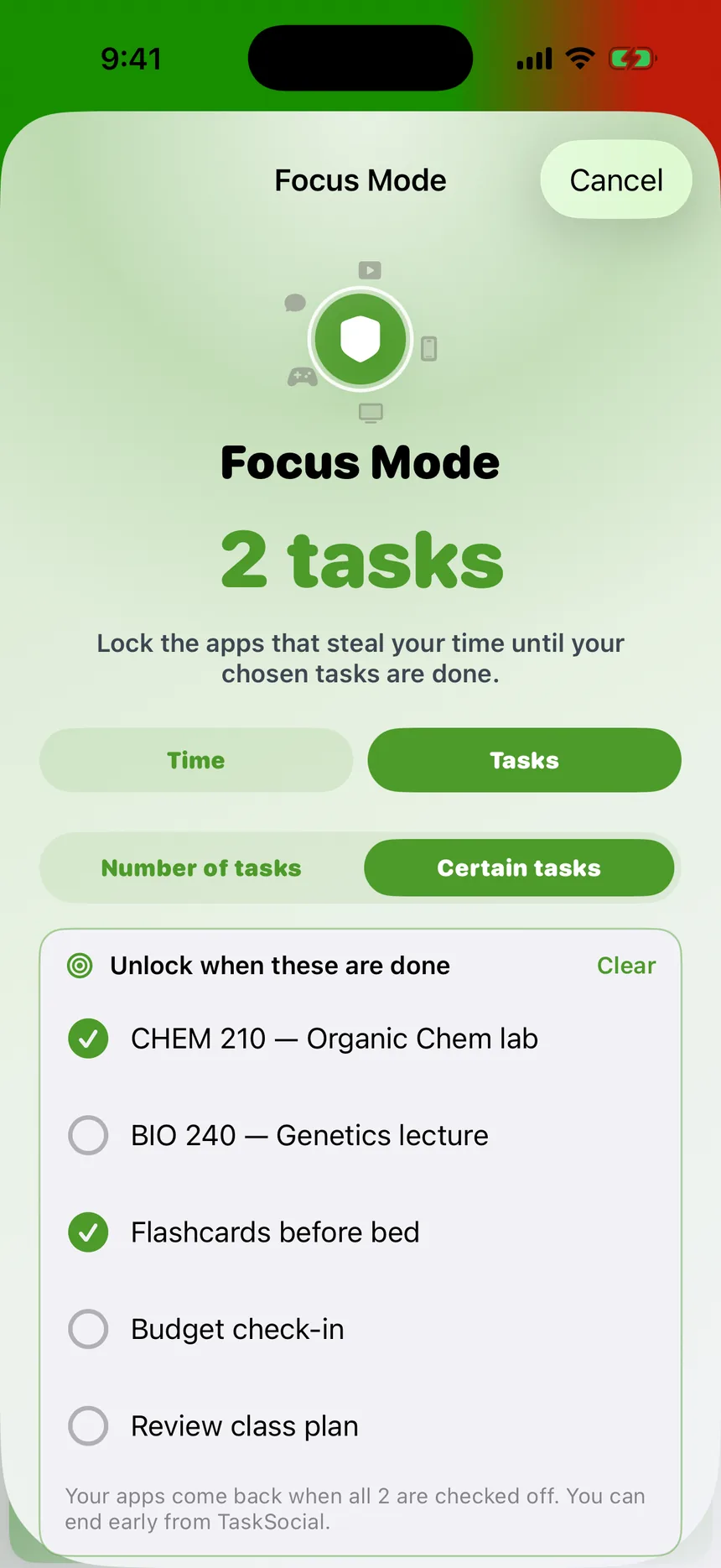
Locked until it's done
Most app blockers run on a timer you can wait out. TaskSocial runs on your list: pick the tasks that matter, and Instagram, TikTok and the rest stay locked until every one is checked off. Quit early, and your friends see it.
04
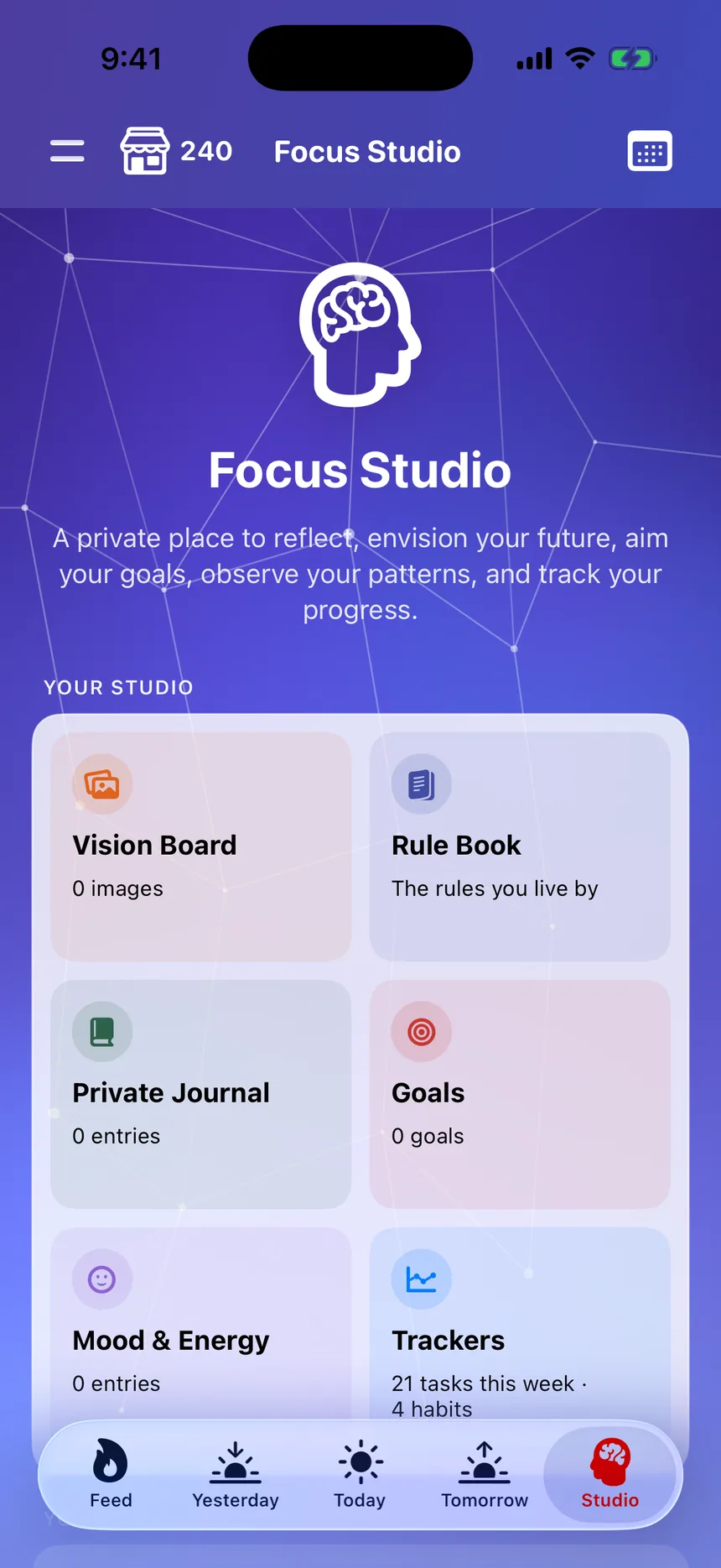
A private space to reset
Journal, shape your goals, collect the images you are working toward, and log your mood and energy. All in one place, and all private to you.
05
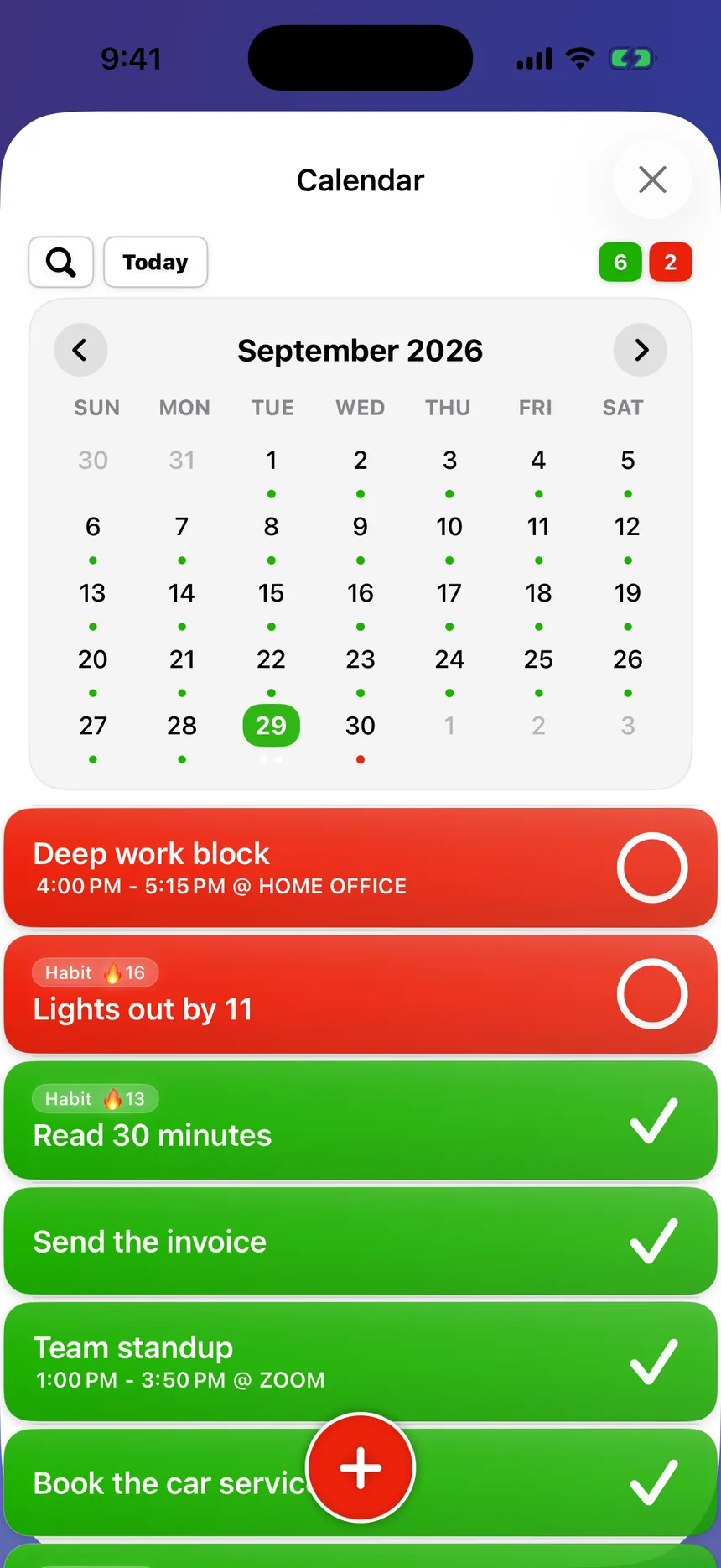
Plan ahead
Put the dates that matter on the calendar — exams, events, trips, birthdays — and see the month coming before it arrives. Every finished day still leaves its mark, so the streaks and the gaps are right there too.
06
Stay accountable
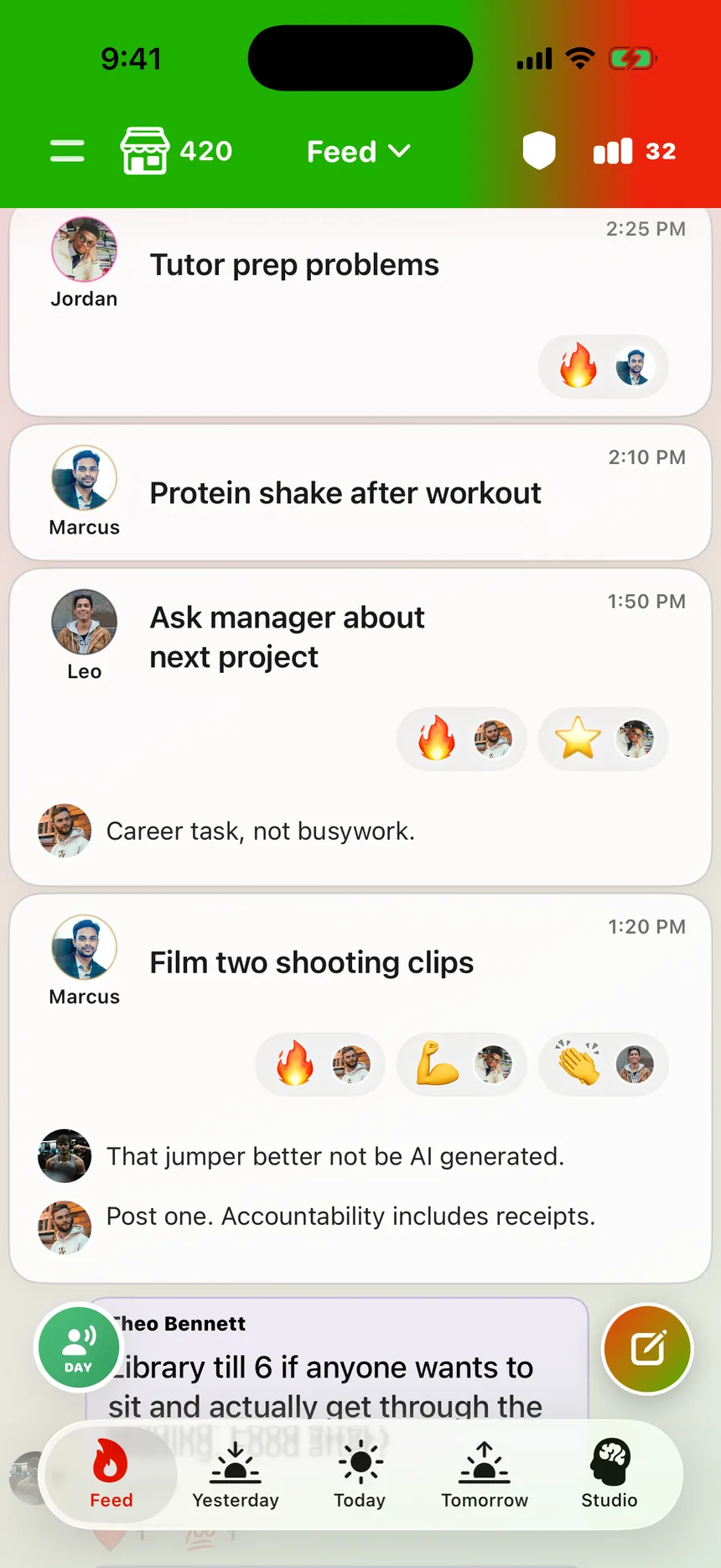
Your friends see your list, you see theirs. React, comment, send a gift, or give the nudge someone needs on the day nobody feels like it.
07
Race the person you were last week
Past You sits just off the edge of your friend strip. Pull it open and last week's same day slides in — read as it stood at this hour, so a half-finished morning is measured against a morning.
See it in action
Thirty seconds inside TaskSocial
Your list, your friends' lists, a daily check-in, and a private space to reset.
How it works
Three steps, about five minutes
Add your list
Dump in the tasks, habits, and goals you're already carrying around in your head.
Add a few friends
Two or three people you'd actually be embarrassed to slack off in front of. That's the whole trick.
Show up
Check things off, keep your streaks alive, and cheer them on when they do the same.
From the App Store
"I can't go a day without using this. It keeps me in check."
App Store review · 5.0 out of 5
Finish the year strong
Rebuild your habits, or just get your life in order. Free on the App Store.
Download TaskSocial